Now users can earn gifts and scan QR codes directly within the app.
The Telegram team has released its first update of 2025. It includes filters for easier message searching, a built-in QR code scanner, and much more. Here are all the new features:
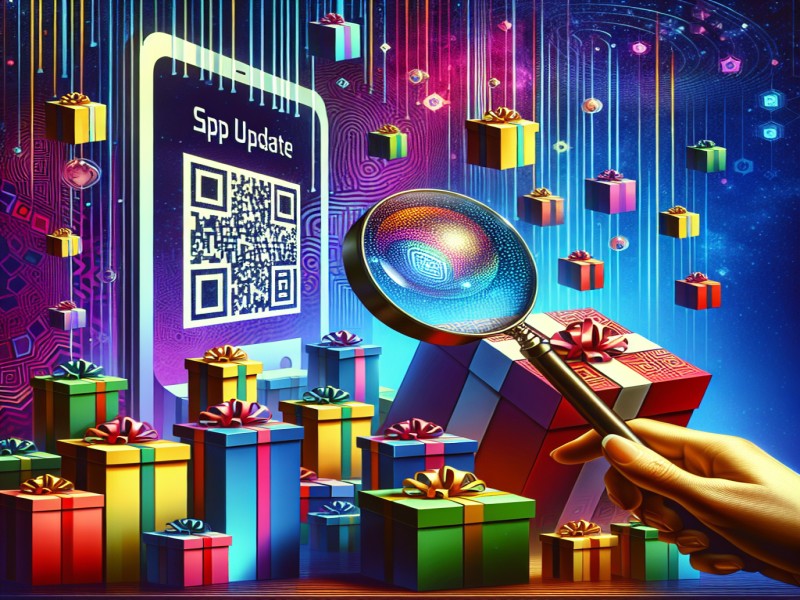
Article image generated by artificial intelligence
Received gifts can now be transformed into collectibles for trading, re-gifting, or selling on NFT marketplaces. The images for them are randomly generated from a variety of designs created by the messenger's artists and are complemented by unique features - unusual backgrounds, patterns, or numbers.
Currently, over 20 existing gifts can be enhanced, such as a homemade cake, a jelly rabbit, mulled wine, and a Santa hat. Over time, the catalog will expand. Conversion works based on Telegram stars.
Reactions to System Messages
When a user sends a gift, joins a group, or changes their photo or background in a chat, a system message appears. Now these messages support reactions, allowing, for example, to welcome new participants.
Filters in Message Search
The "Chats" search tab now features additional filters that allow users to refine results and view them separately by chats, groups, and channels.
On other search tabs, users can now view their recent uploads and media files from the chat, collections of new popular channels, and mini-apps.
Custom Emojis in Folder Names
Paid subscribers can now use custom emojis in the names of their personal folders. Text can be completely replaced with an icon to create a more minimalist folder list.
Third-Party Verification
Official third-party services can now assign additional verification badges to Telegram users and chats, confirming the authenticity of accounts. The messenger team hopes this innovation will help prevent fraud and the spread of false information.
Verified chats and accounts are marked with a special badge, accompanied by an explanatory comment in the profile.
QR Code Scanner
The camera in the mobile app now automatically recognizes QR codes and opens links in your default browser. For quick access to the camera, on iOS, swipe right on the home screen, and on Android, tap the camera icon in the bottom right corner.
We and selected third parties use cookies or similar technologies for technical purposes and, with your consent, for other purposes (“basic interactions & functionalities” and “measurement”) as specified in the Cookie policy.
You can freely give, deny, or withdraw your consent at any time.
You can consent to the use of such technologies by using the “Accept” button. By closing this notice, you continue without accepting.
 TGLIST.COM.UA
Comments
No comments
Add Comment