Artificial Intelligence
Rating: 10 Most Useful Features of iOS 26
3 min read
08.12.2025
Discover the 10 most useful features of iOS 26 that will enhance your iPhone experience.
Rating: 10 Most Useful Features of iOS 26
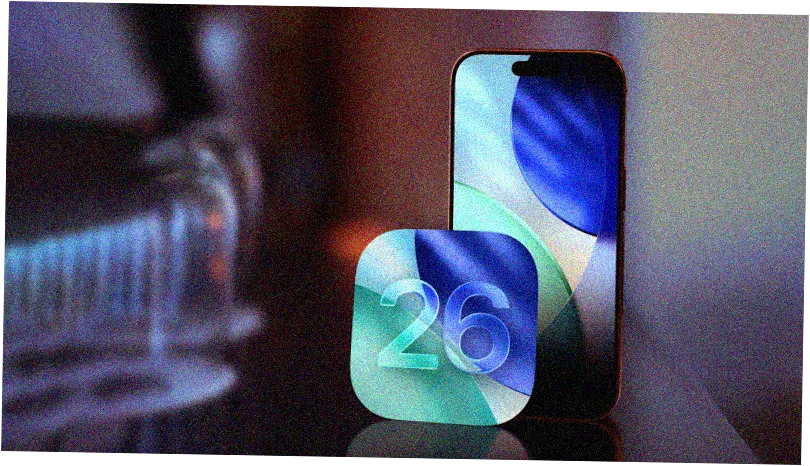
iOS 26 includes around 200 new features and changes, some of which significantly enhance the iPhone user experience. We have selected the updates that we believe have the greatest impact on quality of life.
Spam Filtering
iOS 26, iPadOS 26, and macOS 26 automatically block spam text messages, so you no longer receive notifications about fake bills, suspicious job offers, missed deliveries, tax refunds, and other fraudulent messages. Spam calls and FaceTime, including voice messages, are also blocked. The entire filter operates directly on the device, so you don't have to worry about security.
Call Screening
When receiving calls from unknown numbers, the screening feature asks the caller for their name and reason for the call. This information helps you decide whether to answer. You can also request additional details or completely disable calls from unknown numbers.
Widgets on the Lock Screen
Widgets can now be placed at the bottom of the lock screen, and their number is not limited to just the clock. This provides more space for displaying wallpapers and useful information.
Disappearance of Navigation Bars
When scrolling through pages in Safari, Apple Music, Apple News, Podcasts, and other apps, you will see a minimized tab bar, making content more accessible. Tapping or scrolling up brings back the control panel.
Visual Intelligence
With the Visual Intelligence feature, you can take a screenshot and tap on it to access additional tools. This is more useful than activating through the camera and allows you to quickly obtain the information you need.
Voice Message Summaries
Apple Intelligence can now summarize voice messages and create transcripts, allowing you to quickly understand their content without listening to them.
Copying Text Portions
The ability to copy individual text fragments in the Messages app—such as a phone number, address, or URL—will be very convenient for users who need to extract specific information.
Sleep Duration Settings
Now in the Clock app, you can choose a sleep duration of 1 to 15 minutes when setting an alarm, helping you better manage your rest time.
Live Message Translation
The live translation feature allows you to receive real-time translations during conversations with people who speak a different language, making communication more convenient and swift.
Message Background Customization
In Apple Messages, you can now choose a custom background for each individual or group chat, adding a personal touch and style.
Other Useful Changes
The list also includes updates that didn't make the main selection, such as the Passwords app now showing the history of saved passwords, and Apple Music introducing the AutoMix feature for automatic transitions between songs.
Summary
Do you agree with our ranking of the most useful features of iOS 26? Which new features do you find the most useful? Share your thoughts in the comments.
 TGLIST.COM.UA
Comments
No comments
Add Comment