Artificial Intelligence
iOS 26 Review: Testing Apple's Biggest iPhone Update
3 min read
08.12.2025
Discover the new features of iOS 26 in our review, including Liquid Glass, live translation, and design updates.
Overview of iOS 26: Testing the Largest Update for iPhone from Apple
Although iOS 26 has not yet been released for general use, the company is already actively testing it among millions of public beta testers. The update is quite progressive and gives an idea of what to expect from the new version when it arrives in September.
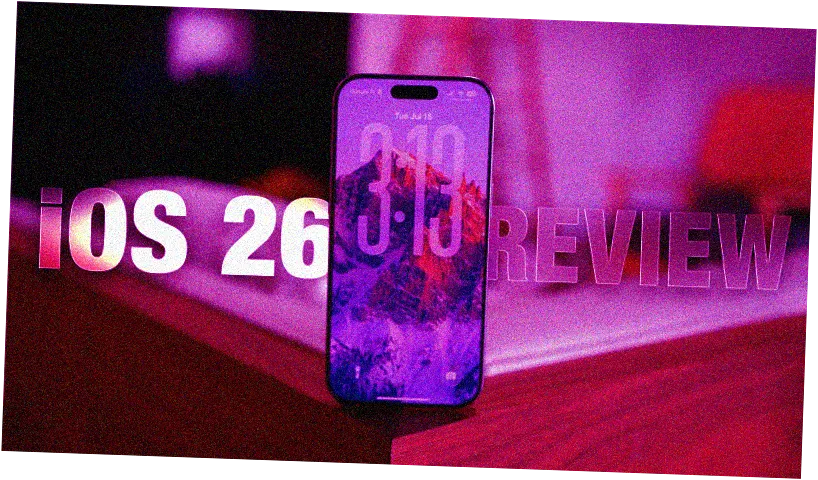
New Visual Solutions and Design
At the WWDC 2025 stage, Apple introduced Liquid Glass — a transparency concept widely applied throughout the system. It included semi-transparent buttons, navigation panels, and menus. However, early users expressed concerns about usability and readability due to excessive transparency.
During testing, Apple gradually reduced the effects of Liquid Glass and made adjustments to the design. The control center became less transparent, navigation panels more opaque, and notifications more readable against various backgrounds. In beta versions 3 and 4, the company restored some transparency, but not fully. This sparked discussions about the balance between aesthetics and functionality.
Currently, Apple is seeking an optimal solution, and it is possible that a transparency slider may appear in the future, allowing users to customize the degree of interface transparency to their liking.
Innovations in the Form of Liquid Glass
Lock screens now feature glass effects and a glass-like appearance for icons, folders, the dock, and notifications. This creates a more modern and aesthetic look, especially with the dynamic resizing of time depending on the background. This feature is already available on Apple Watch for the Photos watch face and works better on the wrist.
Design and Interface Updates
All elements of iOS 26 — from buttons to panels — now have rounded corners and soft lines, creating a more harmonious appearance. Navigation has become more convenient: the tab bar that appears when scrolling has been reduced and disappears when not needed. The Photos app has been improved — it is now divided into "Library" and "Collections" tabs, making it more user-friendly.
Updates in Applications
Safari has received a more compact design, with the option to hide tab tools or keep them in the classic view. The Phone app now combines calls, missed calls, and voicemails in one place, although it can also be left unused.
The interface has introduced an automatic disappearance feature for menus and navigation panels to emphasize content. The tab bar shrinks when scrolling down and reappears when scrolling up — making the interface more intuitive.
Changes in the Photos App and New Features
The Photos app no longer has a single appearance: it is now divided into "Library" and "Collections" tabs. This is a compromise between convenience and functionality. All system elements now have rounded shapes — buttons, menu panels, keyboard — creating a softer and more modern look.
Apple Intelligence Features
In iOS 26, many artificial intelligence features have been introduced. For example, in the Messages, FaceTime, and Phone apps, real-time translations can be obtained, which work quite accurately and quickly. Visual intelligence allows users to take screenshots and ask questions about them or search for them within the app. This is convenient, but may not be a completely natural workflow for most users.
Tracking Purchases in Wallet
The Wallet app can now automatically collect order information and track them by extracting data from emails. This helps manage purchases conveniently and control expenses.
Overall, iOS 26 offers significant updates in design and functionality, aiming to combine aesthetics with practicality and enhance user experience within the system.
 TGLIST.COM.UA
Comments
No comments
Add Comment