No more need for third-party services to create stickers with your favorite dog.
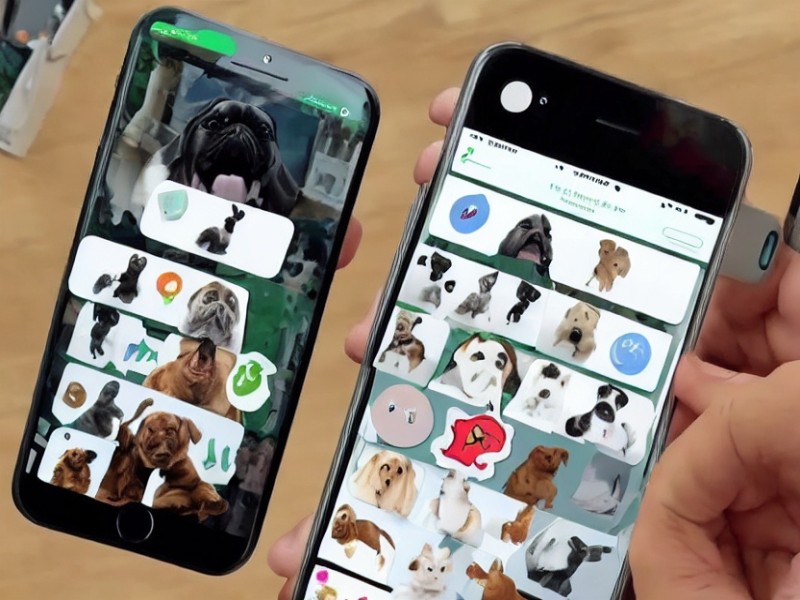
The WhatsApp messenger for iOS has added the ability to create your own stickers and edit existing ones.
Article image generated by artificial intelligence
 TGLIST.COM.UA
COM.UA
TGLIST.COM.UA
COM.UA
No more need for third-party services to create stickers of your favorite dog.
No more need for third-party services to create stickers with your favorite dog.
The WhatsApp messenger for iOS has added the ability to create your own stickers and edit existing ones.
To turn an image or photo into a sticker, simply open a chat with any user, go to the sticker section, and click on the "+" icon. This will open the image gallery on your device. Select the image you want to make into a sticker.
The app will offer two cropping options: with background or without. The more complex the background, the less likely it is that you will be able to remove it neatly. You cannot edit the selection. You can add text, drawings, or another sticker to the cropped image. Once everything is ready, click on the send icon.
In addition to creating your own stickers, you can edit existing ones. To do this, click on the sticker in the conversation or saved sticker packs and select "Edit Sticker." This will open the same editor as when creating a sticker, just without the cropping options. When you finish, the sticker will be sent to the selected chat and saved in the recently sent items.
User-created stickers will be marked with a "WhatsApp Sticker Creator" label. You won't be able to group them into a sticker pack, but you can save them as favorites for future use. They will also be available in the list of recently sent stickers.
Currently, the feature is only available in the web version of WhatsApp and on iPhones with iOS 17. Whether it will appear on Android is still unknown.
Comments
No comments
Add Comment