Gmail on iOS and iPadOS has received a new feature: quick unsubscribe for newsletters. Previously, users had to scroll down emails searching for the right button or open a context menu, but now the "Unsubscribe from newsletter" button is located to the right of the sender's name.
Article image generated by artificial intelligence
If you click this button, the email will ask you to confirm that you really want to unsubscribe - this is a safeguard against accidental taps. In some cases, unsubscribing may require visiting the sender's website (if they do not support unsubscribe options in email clients).
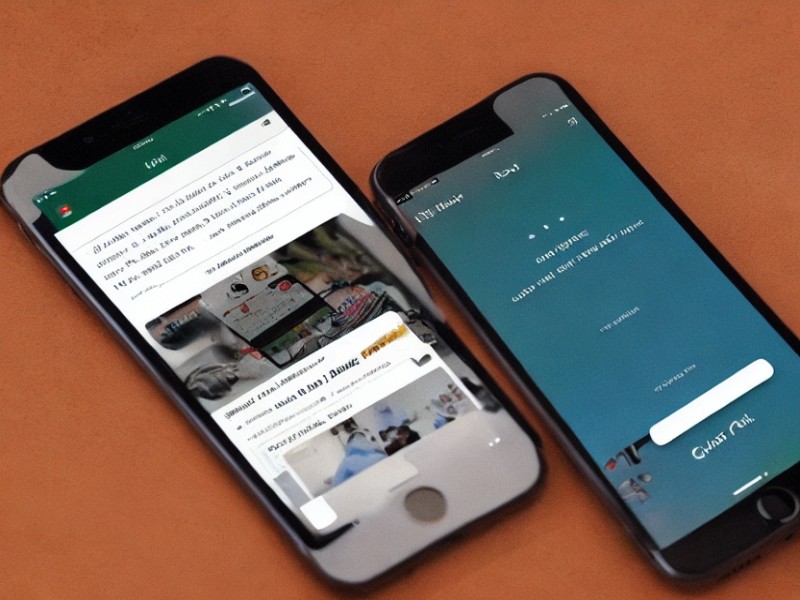
Screenshots: Android Authority
The feature is being rolled out gradually and may not yet be available to all users. If you don't see the new button, but the "Unsubscribe from newsletter" option is available in the context menu, you will have to wait a bit longer. You can also check if the quick unsubscribe feature is disabled in your email client. To do this:
In the settings, open the "Inbox folder settings" → "Mail tips".
Make sure the "Suggest unsubscribing from newsletters" toggle is in the active position.
If everything is enabled, all that's left is to wait - just like Android users. However, the Gmail support site indicates that this option is available for iPhone, iPad, and Android, so the wait shouldn't be too long.
We and selected third parties use cookies or similar technologies for technical purposes and, with your consent, for other purposes (“basic interactions & functionalities” and “measurement”) as specified in the Cookie policy.
You can freely give, deny, or withdraw your consent at any time.
You can consent to the use of such technologies by using the “Accept” button. By closing this notice, you continue without accepting.
 TGLIST.COM.UA
Comments
No comments
Add Comment