 TGLIST.COM.UA
iOS 26: Transforming Photos into 3D Spatial Scenes
With the release of iOS 26, Apple has introduced a new feature — Spatial Scenes, which allows you to transform ordinary photos into dynamic three-dimensional images that respond to user movement. Thanks to this intelligent feature, you can add depth and motion to flat images from your iPhone library, even without using Apple Intelligence.
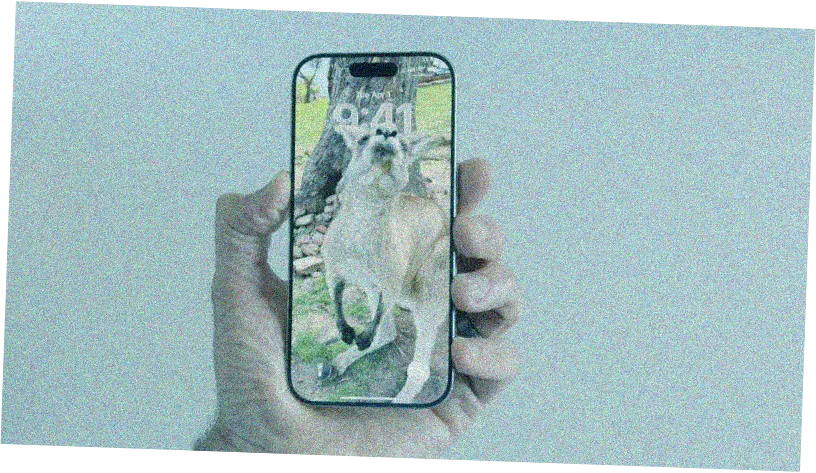
In the Photos app, the Spatial Scenes feature works by intelligently separating objects from the background. When you move your phone, the foreground remains stable while the background shifts slightly, creating a parallax effect — simulating the natural perception of depth by the human eye. This is achieved through generative artificial intelligence that analyzes photos, identifies objects, and creates depth maps.
Importantly, Apple Intelligence is not required for Spatial Scenes to function. The feature is compatible with iPhone 12 models and newer, and can work with any photos that have a clear subject. To activate the effect, open any compatible image in the Photos app, tap the hexagon icon in the upper right corner, and the photo will instantly gain a depth effect. Once activated, you can gently move your phone back and forth — slight tilts are enough to see the spatial effect in action.
Comments
No comments
Add Comment