Tech
Telegram Stickers - A Guide to Creating Them from Any Image or Text
2 min read
08.12.2025
Telegram stickers - a guide on how to create them from any image or text.
Want to impress your friends and make your conversations more vibrant? It will take a little time.
Telegram has one of the coolest features compared to other messengers - the ability to create your own stickers and use them in conversations. This enhances your messaging experience and makes it unique, as you can create a sticker that reflects your personality.
Here's a simple guide for you on how to turn any images and text into your own sticker packs in Telegram.
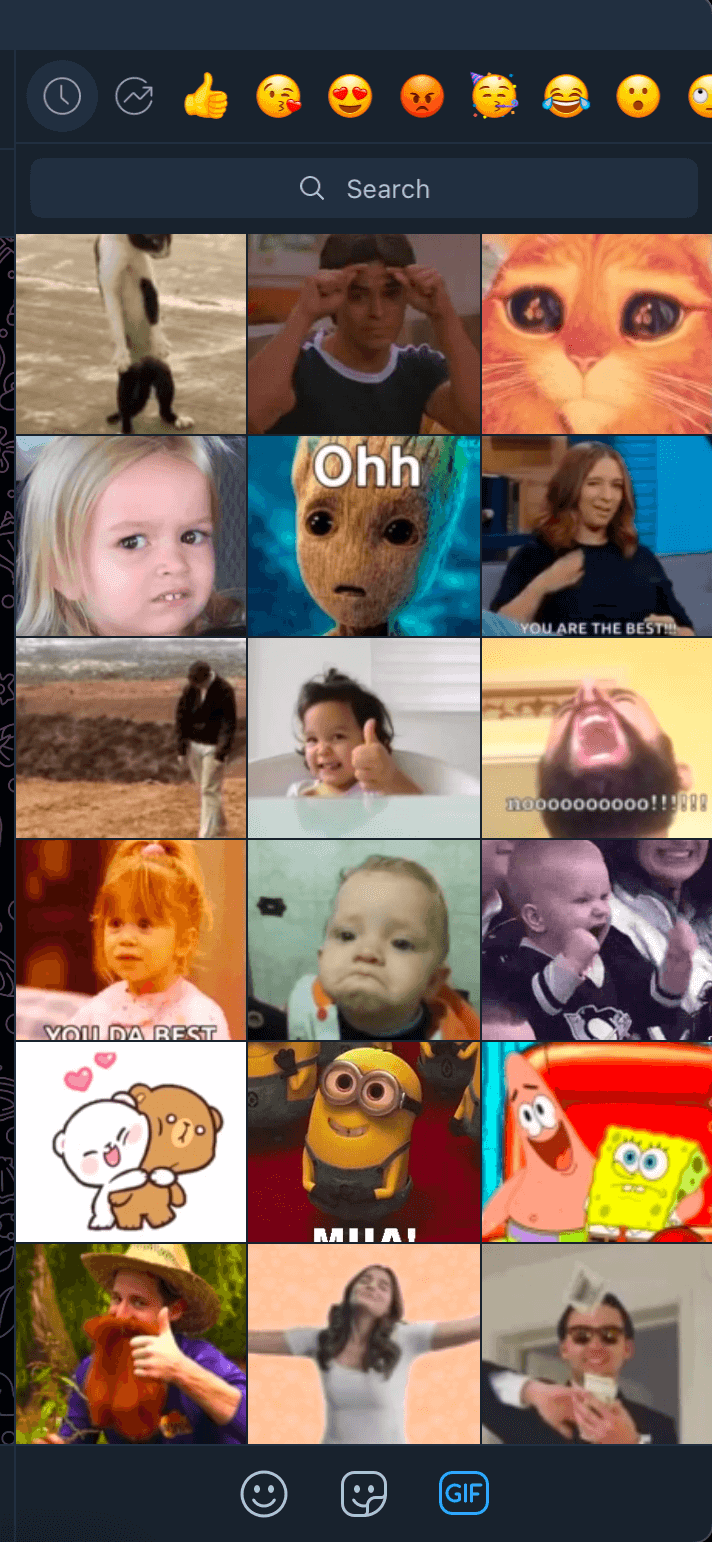
So how to create your own stickers in Telegram
You probably already have your own ideas for unique "stickers" if this article has caught your interest. To make it easier for you and others to use the sticker pack, it's better to group them by a single theme, character, or style.
Next, use the Sticked app, which you can download for Android or iOS. It will help you create your stickers from anything, whether it's a photo with or without text. It's actually very easy:
1. Install the app.
2. Open the app and tap the + button (Choose a picture!).
3. Select an image or text from your smartphone gallery. You can also adjust the background of the image there.
4. Then you match your creation to specific emojis.
5. Finally, the app will prompt you to log in and enable the Sticked bot.
6. Tap "Open in Telegram" and add your personal stickers to the messenger.
Earlier, we wrote about Telegram Premium and its benefits. Creating your own stickers is also available on the free version.
 TGLIST.COM.UA
Comments
No comments
Add Comment