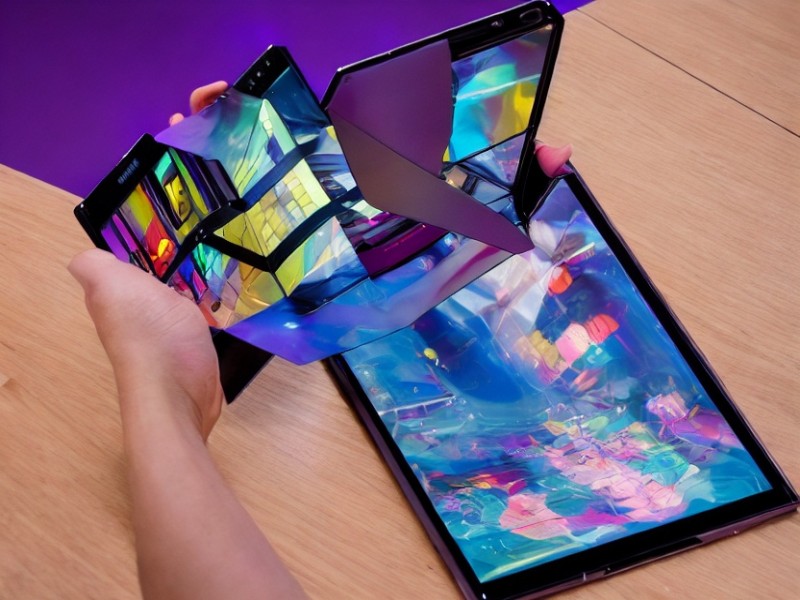
Samsung has updated the Try Galaxy website, allowing iPhone owners to experience the One UI interface and branded apps. Now it features the Fold Experience mode, which transforms an iPhone into one half of the screen of a Samsung foldable smartphone.
Article image generated by artificial intelligence
Everything works through a web app that needs to be launched on two nearby iPhones. One of them will generate a code that must be entered on the second to initiate synchronization. After that, the two screens will work in tandem.
The capabilities in this demo format are quite limited. You can run a demonstration of the multitasking mode, watch videos, or play air hockey. Except for the game, everything is fixed and set up by Samsung: you won't be able to open anything personal.
To try Try Galaxy, you need to visit the official website and scan the QR code using your iPhone. Follow the on-screen instructions to add the web app to your Home screen. Launch it, and a simulation of the One UI desktop will appear on the screen. Select Fold Experience and click Yes, we have two iPhones.
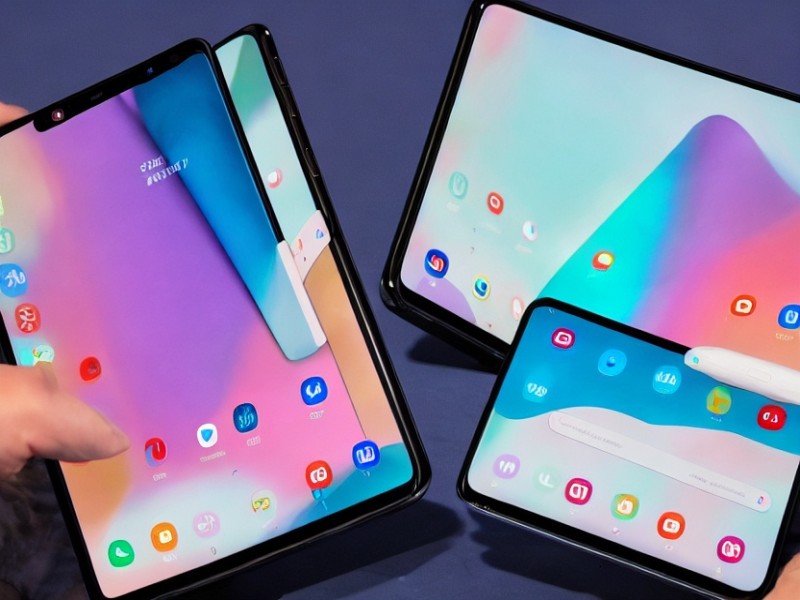
Screenshots:
You can also use Try Galaxy to view the functionality of standard Samsung apps and test the Android operating system.
We and selected third parties use cookies or similar technologies for technical purposes and, with your consent, for other purposes (“basic interactions & functionalities” and “measurement”) as specified in the Cookie policy.
You can freely give, deny, or withdraw your consent at any time.
You can consent to the use of such technologies by using the “Accept” button. By closing this notice, you continue without accepting.
 TGLIST.COM.UA
Comments
No comments
Add Comment